
Key Factors for Choosing a Monitor Arm
As modern workspaces continue to evolve, ergonomic accessories like monitor arms have become essential for improving productivity, comfort, and desk organization. Monitor arms are built to provide flexible screen positioning, allowing users to tilt, swivel, rotate, and adjust monitor height with ease. This helps reduce neck strain, improve posture, and create a cleaner and more efficient workspace. Here are some factors in choosing a monitor arm:
VESA Compatibility:
Ensure your monitor has 4 mounting holes on the back (\(75\times75\text{mm}\) or \(100\times100\text{mm}\)).
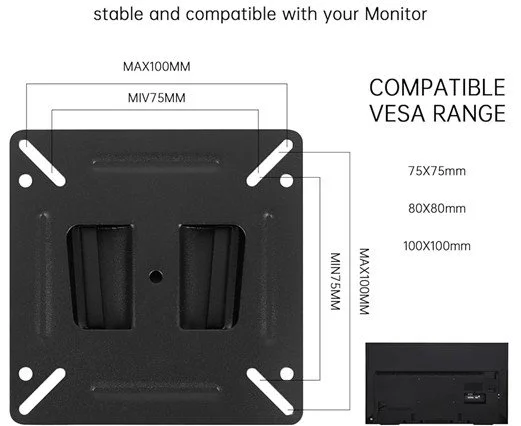
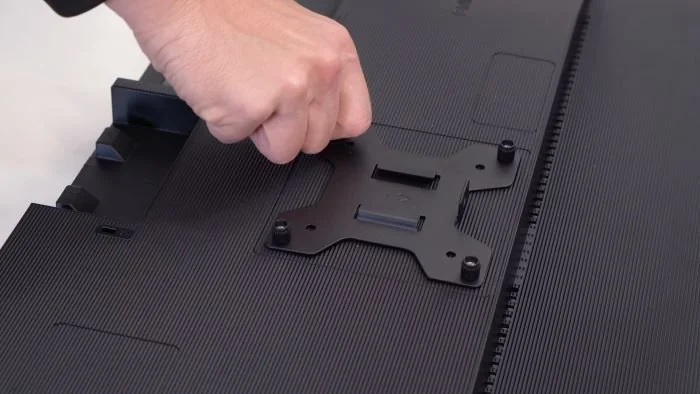
Weight Capacity
Check your monitor’s weight without its stand. Ensure the arm can support this weight, particularly for heavy ultrawide screens.

Larger screens may be heavier
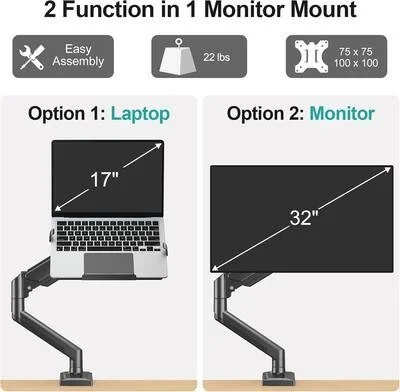
Screen Size
Check the maximum screen size supported (e.g., up to 32", 34", 49") to avoid stability issues or limited movement.
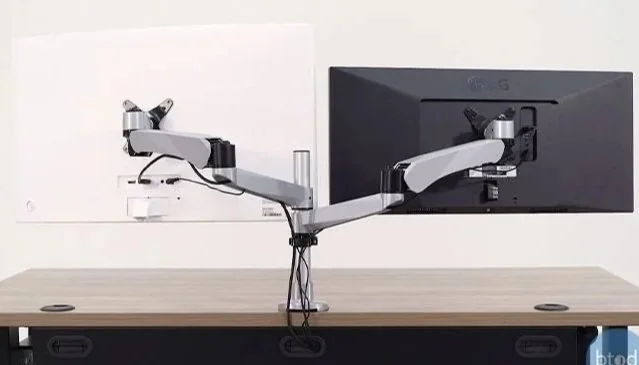
Mounting Type
C-Clamp: Clamps to the edge of the desk; easy to install.
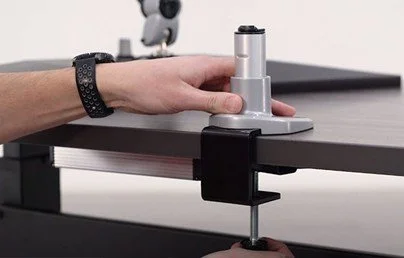
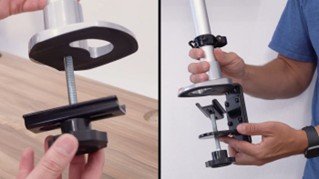
Grommet Mount: Uses a bolt through a desk cable hole; requires a hole but offers a cleaner look. ((ED-BA332A)
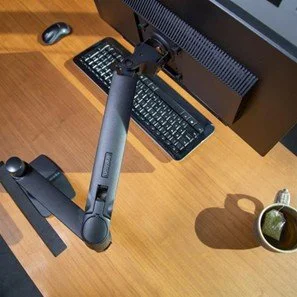
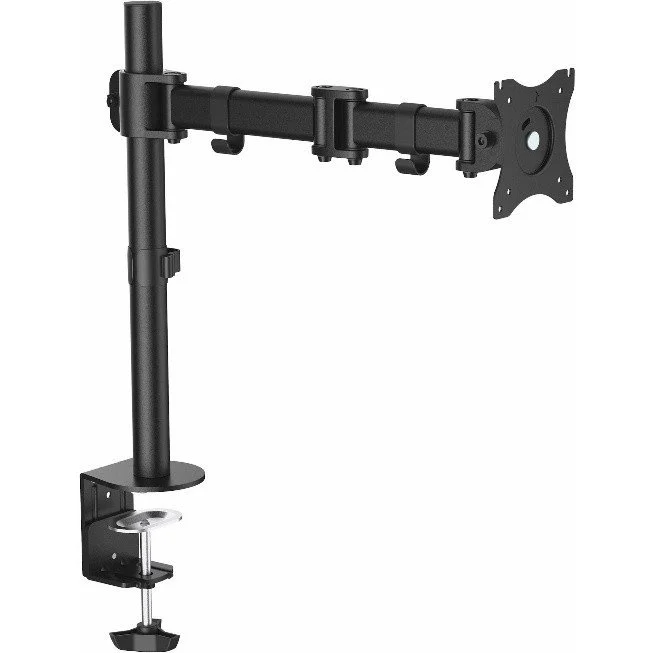
Wall Mount: Saves maximum desk space, ideal for permanent, sturdy installations.
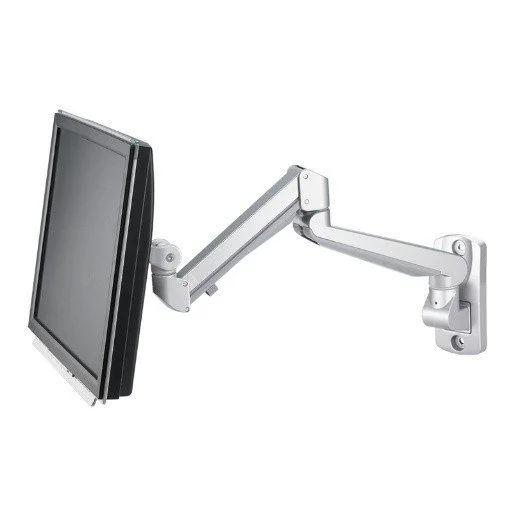
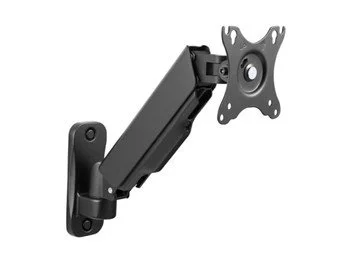
Adjustability Type:
Gas Spring: Allows smooth, effortless height and depth adjustment.
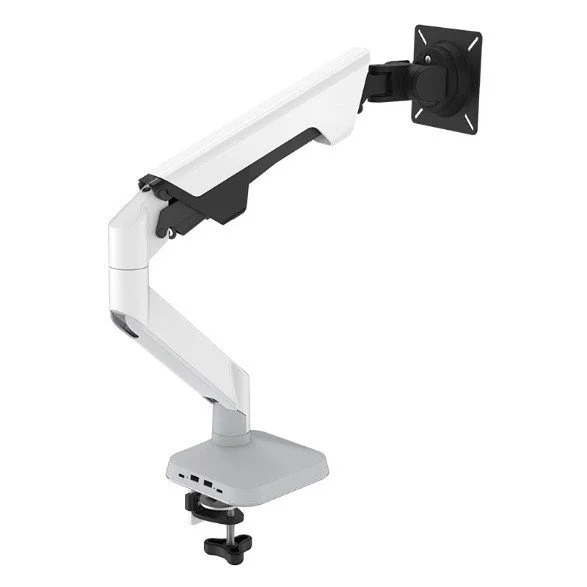
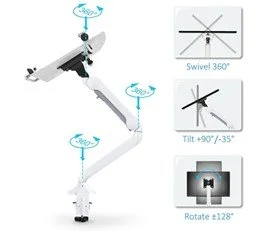
Static/Post: Usually cheaper, but height adjustments require tools (less flexible).
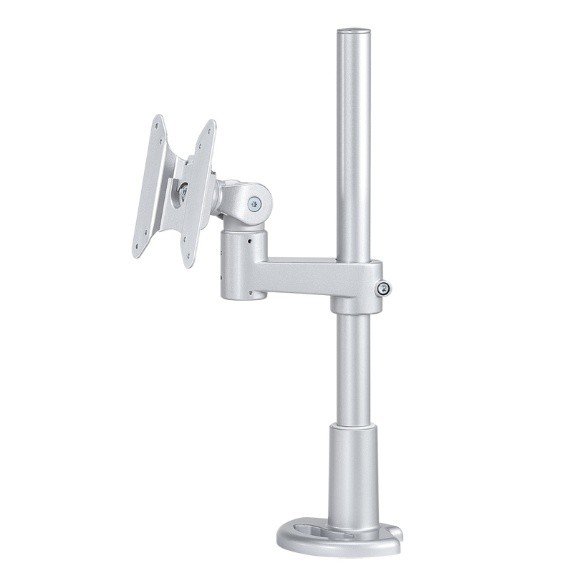
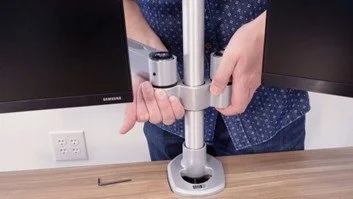
Desk Space: Ensure you have enough clearance behind the desk for the arm to maneuverer without hitting walls
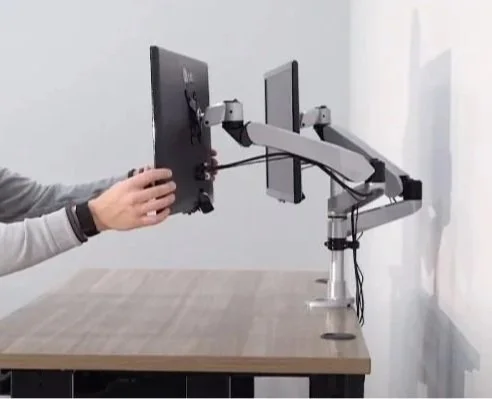
A monitor arms are an excellent investment for anyone looking to improve workspace ergonomics, productivity, and desk organization. With durable construction, smooth adjustability, and professional-grade performance, they provide a premium experience that stands out from many standard monitor arm brands on the market.
For image reference:
https://www.btod.com/blog/buying-monitor-arms/
https://www.modernsolid.com/en/product-cate-first/monitor-arm
